How to Take Better Dating Profile Photos
Your profile photo does more work than your bio ever will — and most people choose theirs by gut feel or a friend's shrug. There's a better process: rate your candidate photos with AI, learn which features are photographing well, and improve the ones that aren't before your next photo session.
Why AI feedback beats asking friends
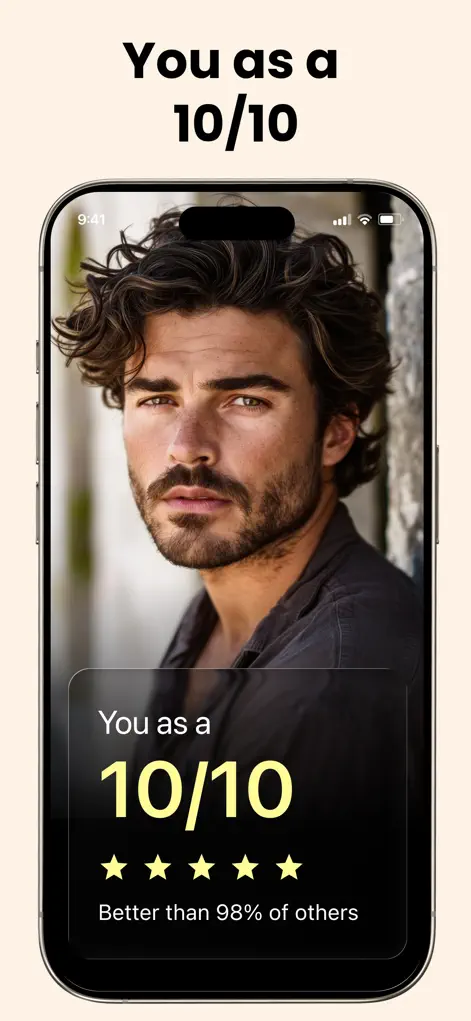
Friends judge kindly and inconsistently; the AI scores every photo by the same criteria. Running your shortlist through LooksBoost AI shows you which image presents your features best — and the per-feature breakdown doubles as a shot list for improvement: if skin clarity drags every photo down, six weeks of skincare improves every future photo at once. That's leverage a simple 'pick photo A or B' can't give.
Step-by-Step: How to Take Better Dating Profile Photos
- Rate your current candidates. Scan your shortlisted photos and compare scores — lead with the strongest, cut the weakest.
- Fix the recurring weak feature. If the same feature scores low across photos, that's a real-world project (skin routine, haircut, grooming) — do it before reshooting.
- Reshoot with the basics right. Natural light near a window or golden hour outside, camera at eye level, genuine expression — these mechanics move scores more than gear.
- Re-rate and finalize the lineup. Pick your top performers. Re-run the process after each glow-up phase; your best photo six weeks from now doesn't exist yet.
Which photos the ratings can help you choose
The ratings judge your face, so they're most useful for your lead photo, where your face is clear and fills a good part of the frame. Full-body shots, group photos and pictures of you doing a hobby still belong in a profile, but the face scan isn't designed to judge them; choose those for what they show about your life.
A higher score doesn't settle every choice. If two photos rate about the same, pick the one where you look relaxed and most like yourself on a normal day. Someone meeting you should recognize you from your first picture.
Be careful with old photos. If your hair, weight or style has changed a lot, the best-scoring old picture can set the wrong expectations, so reshoot instead.
A profile lineup that covers the basics
Profile layouts and prompts differ between dating apps, so check what each one shows first. Then revisit the lineup after each phase of your glow up so your photos keep pace with you.
- Lead photo: a clear, close shot of your face in natural light, smiling or relaxed, no sunglasses.
- A full or half-body photo that shows how you usually dress.
- One or two photos of you doing something you enjoy.
- A photo with friends, as long as it's easy to tell which person is you.
- Skip heavily filtered shots, crops with a stranger's shoulder in the frame and bathroom-mirror selfies with the flash on.
Get Your Baseline Rating
LooksBoost AI is free to download on the App Store. Scan your first selfie and start your plan in under a minute.
⬇ Download LooksBoost AIFrequently Asked Questions
Can the app tell me which photo to use?
It scores each photo's features consistently — compare results across your candidates and lead with the strongest.
What improves photo scores fastest?
Lighting first (natural, diffused), then the durable factors: skin clarity and a face-shape-matched haircut.
Should I edit my photos?
Light cleanup is fine; heavy filters backfire — in matches and in the ratings. Improve the input instead.
LooksBoost AI does not provide medical advice. All recommendations are grooming and self-improvement suggestions — consult a professional before making significant changes.