"How Attractive Am I?" — Get an Honest AI Face Rating
Everyone's typed the question at some point — and gotten a clickbait quiz or a mirror pep talk. An AI face analysis gives you something more useful than either: a consistent, feature-by-feature assessment from your actual photo, with the parts you can improve clearly separated from the parts you should simply own.
Why an AI answer beats asking friends (or the internet)
Friends are kind, strangers online are cruel, and both are inconsistent. An AI applies the same criteria to everyone, which makes your result a baseline you can work against. More importantly, LooksBoost AI's answer comes itemized — skin, hair, jawline, eyes, symmetry — and most of the highest-impact items (skin clarity, hair style, grooming) are exactly the ones within your control.
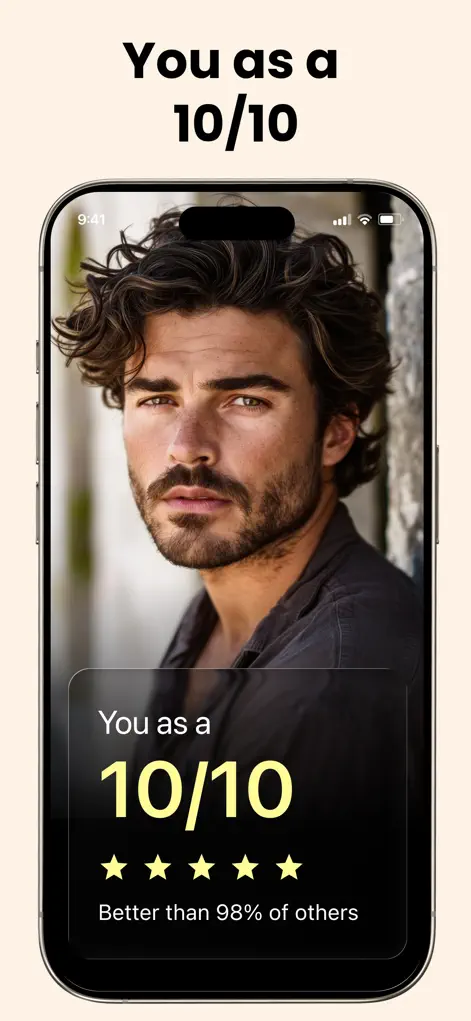
Step-by-Step: "How Attractive Am I?" — Get an Honest AI Face Rating
- Upload a clean baseline selfie. Natural light, straight-on, no filter — you want the true starting point.
- Get your overall and feature scores. See the honest breakdown: what's strong, what has headroom.
- Sort scores into 'fixed' and 'improvable'. Bone structure is you; skin, hair, brows, and grooming are projects. Focus energy only on the second list.
- Start the highest-impact project. For most people that's skin or hair — follow the app's personalized advice and re-test in a month.
What this test can answer, and what it can't
An AI rating answers a narrow question: how does your face read in this particular photo, judged by one consistent set of criteria. It's an estimate from a single image, and it shifts with lighting, camera angle and expression. It can't measure charm, humor, your voice or how you come across in person, which is a large part of attraction in real life.
You'll get the fairest result from a recent, unfiltered selfie taken at eye level in daylight. Old photos, faces cropped out of group shots and pictures taken from below at arm's length usually say more about the photo than about you.
If you notice you're checking the number to feel better or worse about yourself, put it down for a while. The rating helps when you use it to plan changes, and not much otherwise.
Turning your result into a one-month plan
Once you have your breakdown, keep the plan small enough to follow for a whole month before you re-test.
- Choose one feature with headroom that's within your control, such as skin clarity or hair style.
- Open the matching category in the advice hub and pick the suggestions you can realistically do every day.
- Write down your starting scores and the date so the re-test has something to compare against.
- Re-test with the same light, angle and expression, then decide whether to continue or move on to the next feature.
Use your strengths, too
Your highest scores are as useful as your lowest. If your eyes or cheekbones rate well, choose haircuts, grooming and photo angles that show them off rather than hide them.
Get Your Baseline Rating
LooksBoost AI is free to download on the App Store. Scan your first selfie and start your plan in under a minute.
⬇ Download LooksBoost AIFrequently Asked Questions
Is the test accurate?
It's consistent and honest — designed to identify genuine strengths and realistic improvement areas rather than flatter you.
Will it just tell me I'm ugly?
No — every result pairs strengths with specific, actionable improvement suggestions. The tone is coach, not judge.
How often should I re-test?
Monthly is ideal: long enough for skincare and grooming changes to show, short enough to stay motivated.
LooksBoost AI does not provide medical advice. All recommendations are grooming and self-improvement suggestions — consult a professional before making significant changes.