How to Track Your Glow Up Progress
The cruelest thing about self-improvement is that you can't see it happening — you look at yourself daily, so gradual change is invisible. A score history fixes that: scan monthly, and the graph shows what the mirror can't. Progress you can see is progress you'll keep making.
Why measurement changes outcomes
Habits with feedback loops survive; habits without them die in week three. LooksBoost AI stores every scan — historical scores on a progress graph plus your past photo ratings — so your skincare routine, new haircut, and fitness work show up as a trend line. The graph also tells you what's working: a clarity score that jumps after six weeks of SPF is evidence; a flat line says change the approach.
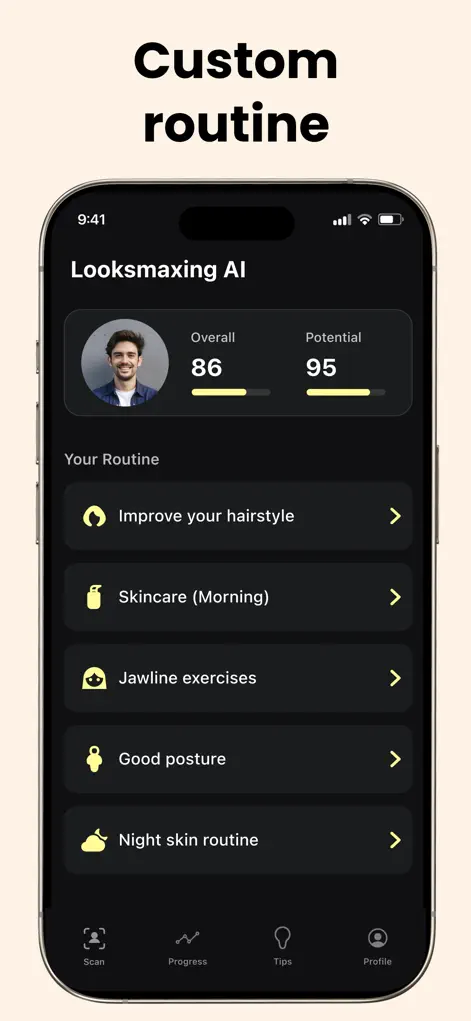
Step-by-Step: How to Track Your Glow Up Progress
- Establish a clean baseline. First scan: natural light, no filter, neutral expression. This is the point everything gets measured against.
- Standardize your scan conditions. Same lighting, angle, and time of day each scan — consistency is what makes the graph meaningful.
- Scan monthly, not daily. Faces change on month timescales. Daily scanning measures lighting noise and feeds anxiety, not progress.
- Review the trend, adjust the plan. Rising scores confirm the current phase; plateaus mean move to the next checklist item or adjust the routine.
Telling a real trend from photo noise
Each point on your graph is an estimate from one photo, so small ups and downs are normal. A change in light, a slight head tilt, a haircut that's growing out or a poor night's sleep can all move a score without anything lasting having changed.
Look for direction across several scans rather than reacting to one. A score that climbs over a few months while your setup stays the same is a real trend. A single sharp drop right after you scanned in a different room or with a different phone is usually the setup.
The graph only tracks what the scan measures. Fitness, style and how you feel all count toward a glow up and won't appear in the ratings, so keep a note of them alongside.
Setting up a scan routine you'll repeat
When you start a new phase of your plan, write down the date. Later you can line it up against the graph and see whether that change is the one that moved your scores.
- Pick one spot facing a window and scan there every time, at roughly the same time of day.
- Settle on a fixed way to hold the phone, such as at eye level with your elbows on a table, so the angle stays the same.
- Scan with a clean face, hair styled as usual and a neutral expression.
- Write a one-line note for each scan: which routine you were following and anything unusual that month.
- Compare your newest photo with your baseline using the past photo ratings the app keeps, not just the latest number.
Get Your Baseline Rating
LooksBoost AI is free to download on the App Store. Scan your first selfie and start your plan in under a minute.
⬇ Download LooksBoost AIFrequently Asked Questions
How often should I re-scan?
Monthly. It matches the timescale on which skin, hair, and fitness changes actually appear.
What if my score goes down?
Check scan conditions first — lighting and angle cause most dips. A consistent decline usually points to sleep, stress, or routine slippage.
Can I see my old photos and ratings?
Yes — the app keeps your past photo ratings alongside the score graph, so before/after is built in.
LooksBoost AI does not provide medical advice. All recommendations are grooming and self-improvement suggestions — consult a professional before making significant changes.